
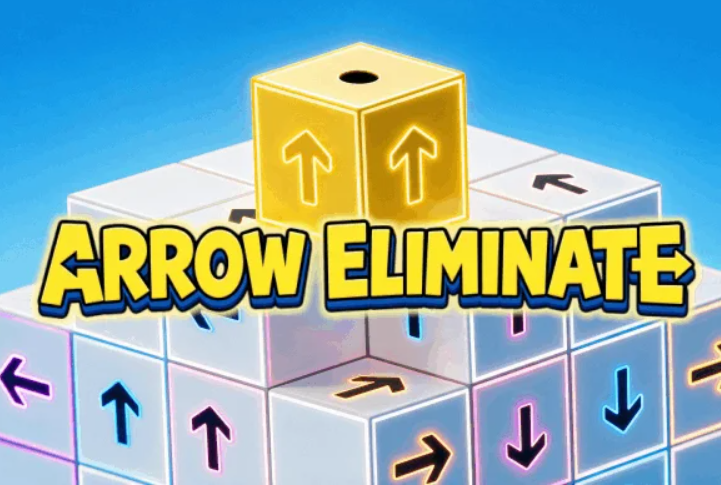







Arrow Eliminate is a rotatable 3D arrow puzzle game where you eliminate arrows by matching them strategically.
You rotate the puzzle structure to align arrows, then clear them to progress through increasingly complex levels. This article covers the core mechanics you need to play effectively: how rotation works, which arrow patterns eliminate successfully, and the practical strategies that help you clear levels faster.
You’ll find direct answers about controls, common stuck points, and the specific techniques that make elimination easier as puzzles get more challenging.
Arrow Eliminate
Arrow Eliminate is a rotatable 3D arrow puzzle where you clear a stack of directional cubes by tapping them in the correct order. Each cube shows an arrow and can only be removed when nothing blocks its path.
The challenge comes from reading depth: a cube may look clear from the front while another cube hides behind it along the arrow’s exit route. You must rotate the pile to inspect all sides before tapping.
The game offers two modes. Level Challenge gives you a limited number of taps to clear the board—every click counts against your budget. Quick Challenge replaces the move limit with a countdown timer. Both modes follow the same elimination rules; the difference is whether you’re managing taps or racing the clock.
How to Play Arrow Eliminate
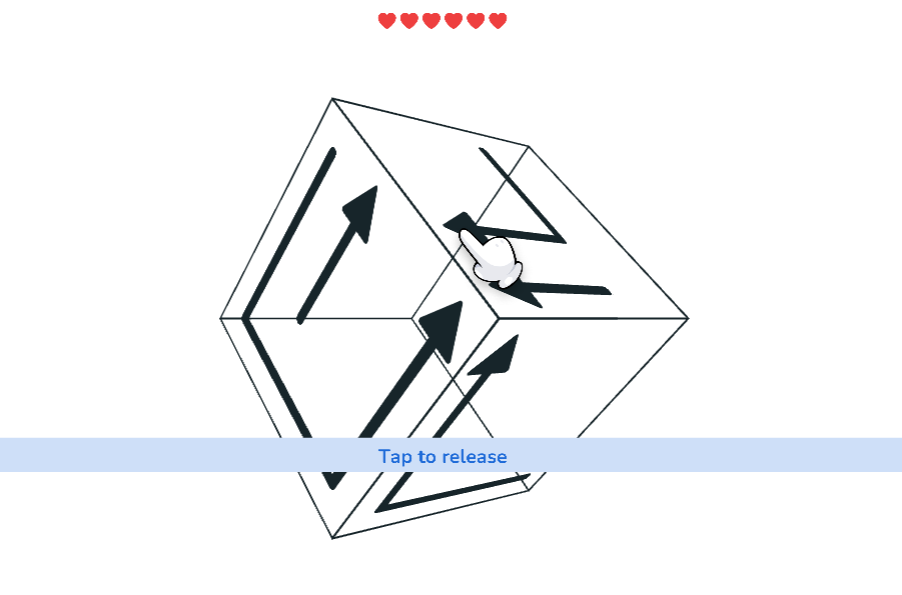
Drag to rotate the pile. Move the 3D stack to reveal hidden faces and check cubes from multiple angles.
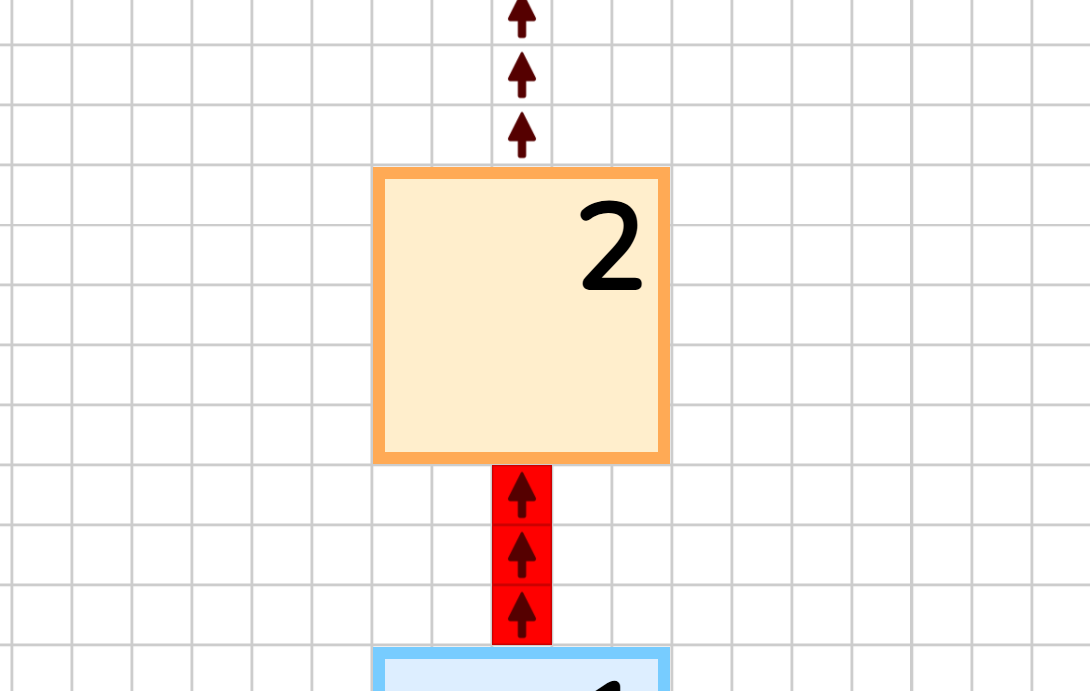
Read each arrow’s route. A cube can be removed only when no other cube blocks the direction it points. A right-facing arrow clears only if the space to its right is unobstructed.
Tap legal cubes to eliminate them. A successful tap removes the cube from the stack, often opening paths for nearby pieces. Start with obvious outer cubes and work toward the center.
Keep rotating as the layout changes. Every removal reshapes the structure and exposes new faces. Check newly revealed cubes instead of assuming a previously blocked piece is still unavailable.
The loop is straightforward: rotate, find a cube with a clear exit, tap it, and continue until the stack is empty. The difficulty spoting hidden blockers before spending a move.
Challenge Modes
Level Challenge gives you a set number of taps to clear the board. Each selection uses part of your move budget, so incorrect taps can cost the level. The counter under the level label shows your remaining operations—clear every cube before it reaches zero.
Quick Challenge uses the same rules but adds a countdown timer at the top. Clear stack before time runs out. Speed matters, though you still need to verify arrow paths before tapping.
Tools and Customization
Three tools sit under the board:
- Shuffle arrows — reshuffles the arrow directions on existing cubes without changing the pile’s shape. Useful when the geometry is solvable but the current directions leave no legal move.
- Remove cubes (×N) — instantly removes a set number of cubes. Spend it on stubborn blockers that would burn too many taps to untangle manually.
- Restart — resets the current round so you can try a cleaner elimination order.
The Skin Shop lets you change how arrows and cube faces look—colors, symbols, and styles—without affecting direction rules, move limits, or the timer.
Related Games
- Tap Away Arrow — It extends Arrow Eliminate’s core rule of removing directional blocks only when their arrow has an unobstructed path, making it a natural next puzzle for players who enjoy planning safe tap orders.
- Arrow Out Online — Its arrow-based escape puzzle format offers a closely related follow-up for players who want more board-clearing challenges centered on identifying which directions are free.
Tips for Clearing the Stack
Rotate before your first tap so you’re not guessing about the back of the pile. In Level Challenge, treat every click as a spend—blocked taps still cost you. Clear cubes whose arrows already face open space, then work inward.
Shuffle when the shape is solvable but the current directions are deadlocked. Save the remove tool for clusters that would otherwise eat half your remaining taps. Restart early if your move count or timer no longer matches a realistic clear.
Arrow Eliminate runs in a web browser without a download. Rotate the pile, verify each arrow’s path, and clear the board before your budget runs out.
Share your tips for Arrow Eliminate
Share a useful route, a clever sequence, or a correction that can help the next player.
Comments are not collected on this independent fan site.
To report a broken game frame or suggest a guide correction, email [email protected] with the page URL.