





Arrows Go is an arrow-maze puzzle you play in your browser.
You navigate a grid by following directional arrows, with each arrow pointing the way to your next move. The challenge is figuring out the correct sequence to reach the goal without getting stuck in loops or dead ends.
This article covers the core mechanics, how arrow placement works, and the strategies that help you solve levels faster.
Arrows Go
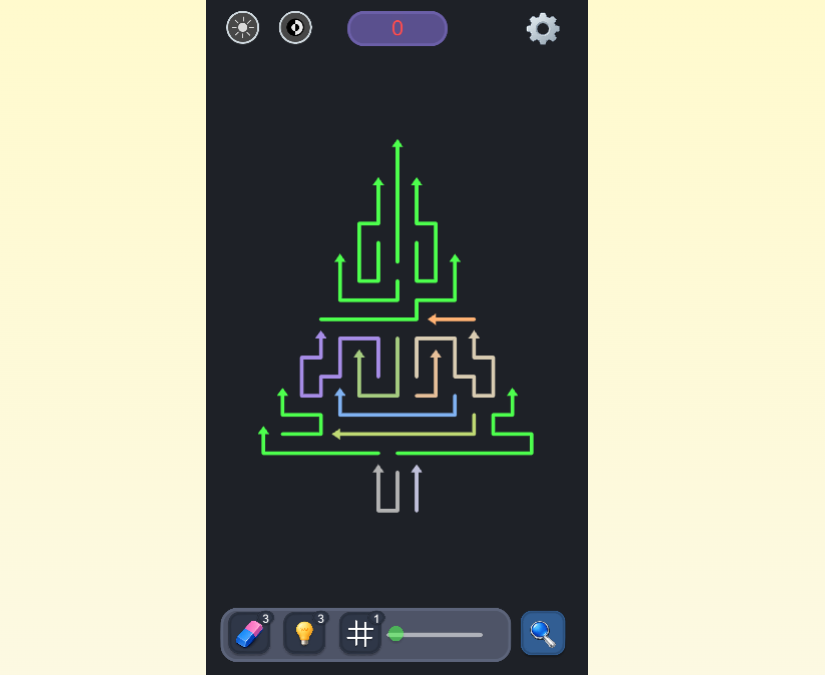
Arrows Go is an arrow-maze puzzle you play in your browser. The board is built from arrows pointing in different directions, and your job is to follow them in sequence to find a continuous path to the exit.
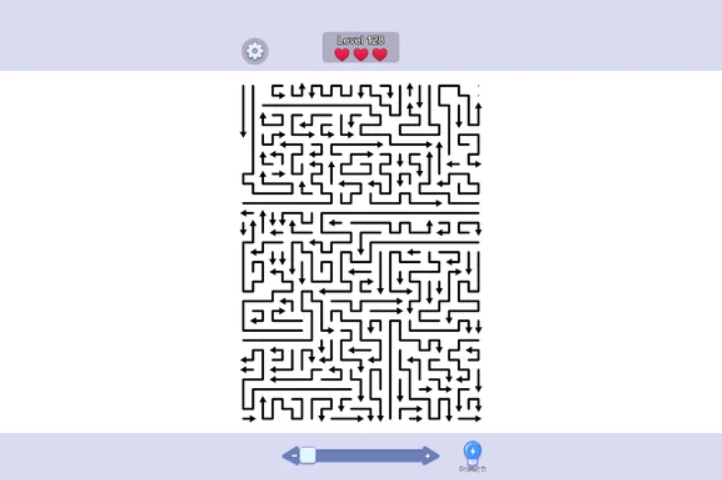
You get a few hearts as a safety net, a zoom slider for crowded boards, and a hint button when you’re stuck. Each level adds more arrows and tighter turns, so the grid that looked simple at the start becomes a genuine reading exercise by level 89. No download, no account—just the maze and the route you need to trace through it.
The Bichon Frise appears only in unrelated reference material and has no role in Arrows Go.
How to Play Arrows Go
-
Scan the board first. Find the start, the exit, and any obvious chain of arrows between them. Seeing the larger route makes tight turns easier to spot.
-
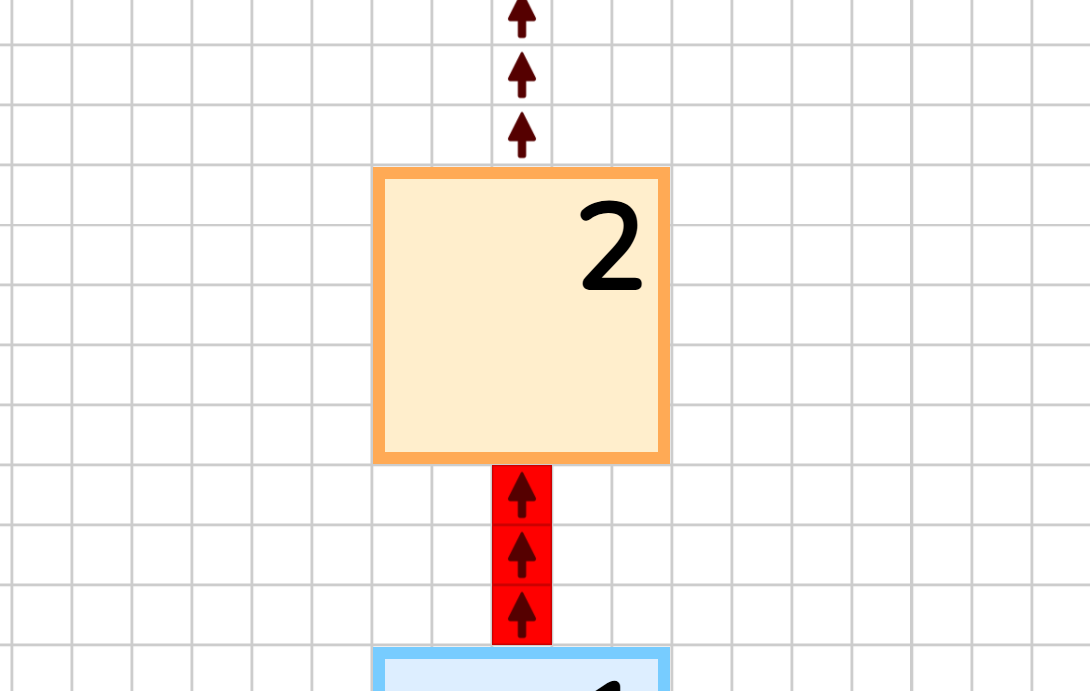
Follow each arrow exactly. Move in the direction shown, then read the next tile. The puzzle is finding the route that continues safely instead of ending at a dead end.
-
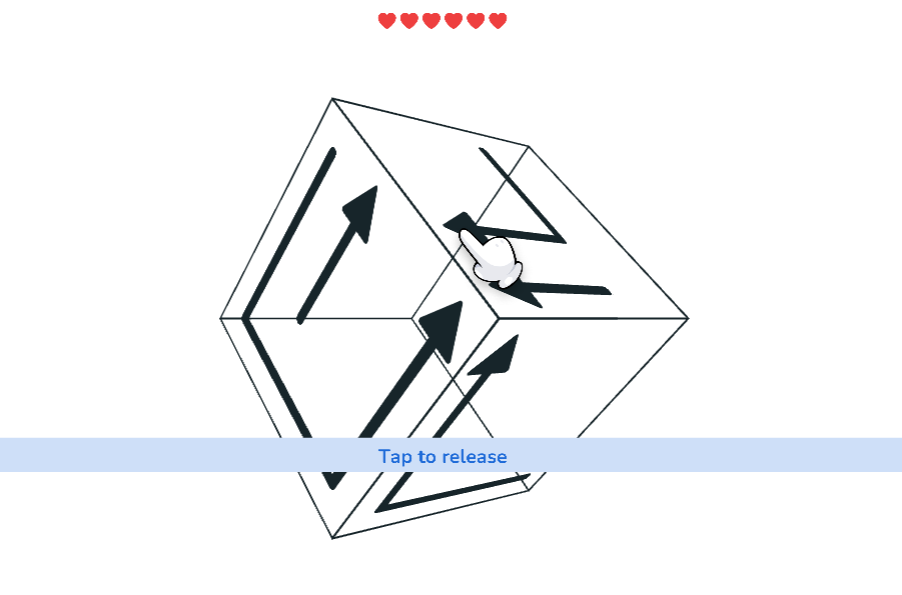
Protect your hearts. Wrong moves cost a heart, so pause when more than one route seems possible. Tracing a few tiles ahead prevents avoidable mistakes.
-
Use tools when needed. Adjust the zoom slider to inspect crowded sections, or tap the hint button when a board genuinely stumps you.
Arrow Games Context
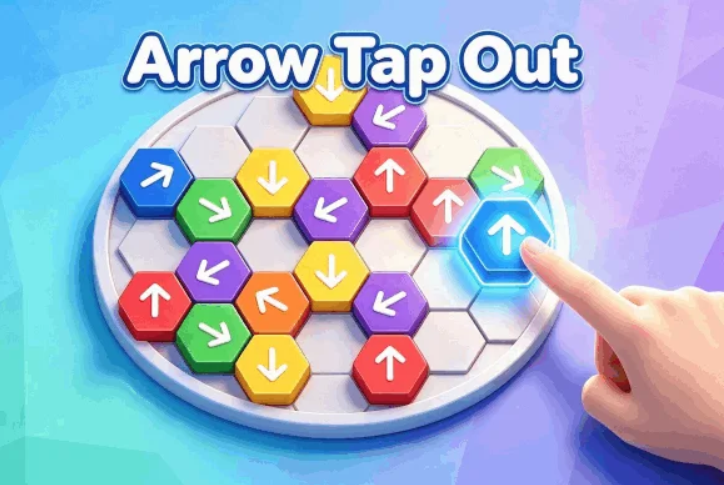
Arrow Games use directional symbols as the puzzle rule. In Arrows Go, the board is filled with arrows that provide structure while still requiring you to work out which connected path reaches the escape. Dense later grids can look confusing at first glance, but spotting the thread through their arrow patterns is the challenge. It’s a calm problem-solving game rather than a reaction test.
Features of Arrows Go
- Directional arrow grid: Every tile shapes the route through the maze.
- Hearts: A limited safety net for incorrect choices.
- Zoom slider: Scales the grid to inspect long paths and tight arrow clusters.
- Hint button: Offers additional guidance without solving the puzzle for you.
- Level counter: Tracks progress through increasingly dense boards.
Related Games
- Arrow Game — Its direction-based arrow puzzles make it a natural next challenge for players who enjoy tracing the correct route through Arrows Go’s crowded grids.
- Arrow Out Online — This is a strong follow-up for anyone who likes studying arrow directions carefully before making a move and risking a mistake.
Can You Play Arrows Go on PC and Mobile?
Yes. Arrows Go runs in your browser, so it works on desktop and mobile without separate versions. On PC you get a large board where the zoom control makes tracing long routes straightforward; on a phone the same maze fits comfortably on a touch screen.
Share your tips for Arrows Go
Share a useful route, a clever sequence, or a correction that can help the next player.
Comments are not collected on this independent fan site.
To report a broken game frame or suggest a guide correction, email [email protected] with the page URL.