








Logic Arrows
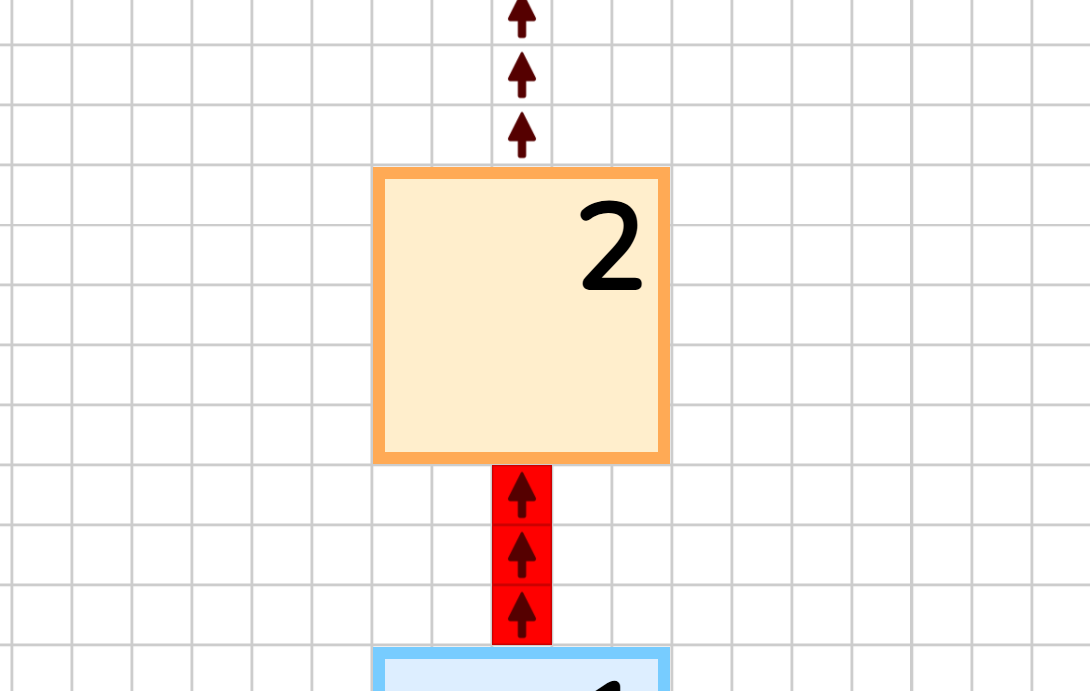
Logic Arrows is a grid-based sandbox where you place Arrows to process and direct a signal. Each Arrow performs one simple operation, but connected Arrows can become larger mechanisms. Depending on the challenge and your design, those mechanisms can include logic gates, displays, memory blocks, calculators, and even computers or CPUs.
The central idea is to build, test, and revise. Place an Arrow, let the signal run, and watch where it travels. If the signal takes the wrong route or fails to produce the required result, adjust the relevant Arrow rather than rebuilding the entire grid without evidence.
Some puzzles begin with Arrows already placed, and these are not necessarily fixed: change or delete them when they direct the signal incorrectly.
A working mechanism is only the first goal. Once the Logic works, you can experiment with a smaller layout or a faster signal route.
How to Play Logic Arrows on Arrow Games
Playing Logic Arrows follows a straightforward test-and-adjust loop:
- Select a numbered slot. Choose the Arrow you want to use from the available numbered slots.
- Place the Arrow on the grid. Click a grid cell where the Arrow can help process or redirect the signal.
- Set its direction. Rotate the Arrow with W, A, S, or D until it faces the way your mechanism needs.
- Let the signal run. Watch its route through the grid to see whether the arrangement performs the required task.
- Adjust the design. Rotate, change, or delete Arrows that break the signal path, then test again.
Start by following the signal rather than filling the grid with several ideas at once. The first place where the signal turns away from a useful route often identifies the part of the mechanism that needs work. If an Arrow is in the correct cell but points in the wrong direction, rotate it before replacing it. This makes it easier to tell whether the problem is placement or direction.
Logic Arrows Controls for Arrow Games
The game provides a hotbar and key list in the corner of the browser interface, allowing you to check the available Controls while you build.
- Numbered slots: Select an Arrow from the hotbar.
- Grid click: Place the selected Arrow in a grid cell.
- W, A, S, and D: Rotate placed Arrows.
- Delete: Remove Arrows that no longer help the mechanism.
Use the Controls deliberately. Place or alter one Arrow, then watch the signal before making another major change. Existing Arrows can also be changed when they send the signal in the wrong direction. Since the game lets you place, rotate, and delete Arrows before allowing the signal to run, you can clean up an unsuccessful idea before testing the next version.
Logic Arrows Features on Arrow Games
Logic Arrows uses simple signal operations as the basis for larger engineering challenges. Rather than only choosing a direction, you arrange working parts into a mechanism that solves a Logic-based problem.
Key features include:
- Arrow-based operations: Each Arrow applies a simple operation to a signal.
- Grid-based construction: Place, rotate, and remove Arrows to shape the signal’s route.
- Signal feedback: Run the signal to observe how the current arrangement behaves.
- Logic-building challenges: Build mechanisms that perform the required task instead of looking for a single fixed response.
- Small-to-large designs: Create arrangements ranging from individual logic gates to complete computers.
- Digital systems: Explore designs involving displays, memory blocks, calculators, and CPUs.
- Optimization: Rework successful mechanisms to make them smaller or faster.
The same basic rules apply at every scale. An Arrow that redirects a signal in a small arrangement can become one part of a more involved system when combined with other Arrows.
What Skills Can Logic Arrows Help You Practice?
Logic Arrows gives you a way to practice breaking a larger mechanism into smaller operations. Because each Arrow handles one job, you need to consider how its placement and direction affect everything that follows.
While Playing, you can practice:
- Tracing signal flow: Follow the signal through connected Arrows and identify where its route changes.
- Breaking down problems: Turn a larger required result into smaller signal operations.
- Testing designs: Make a focused change, run the signal, and use the result as evidence for the next adjustment.
- Building systems: Combine simple parts into logic gates, displays, memory blocks, calculators, and computers.
- Optimization: Start with a working mechanism, then remove unnecessary parts or find a faster route.
A useful approach is to separate solving from refining. First, make the mechanism work. Then examine each Arrow and ask whether it is necessary, whether the route can be shortened, or whether another arrangement can produce the same result more cleanly.
Tips for Playing Logic Arrows Online on Arrow Games
-
Watch the signal before making assumptions. The signal’s movement is the clearest evidence of what the current layout is doing. Trace the route until you find the first Arrow that sends it away from the intended path.
-
Make one meaningful change at a time. Place an Arrow, rotate one, or delete one, then run the signal again. Changing many parts together can make it difficult to know which decision fixed—or caused—the problem.
-
Rotate before rebuilding. When an Arrow occupies the right grid cell but faces incorrectly, use W, A, S, or D to change its direction. There is no need to discard a placement that may otherwise be correct.
-
Treat pre-placed Arrows as adjustable. If a puzzle starts with Arrows already on the grid, check their direction closely. Change them when they direct the signal incorrectly instead of assuming the starting arrangement is final.
-
Delete failed routes cleanly. An Arrow that creates a detour or disrupts a working section should be removed before you test the next idea.
-
Refine only after the Logic works. A smaller or faster mechanism is worth pursuing, but first establish a route that produces the required result. Optimization is easier when you have a working design to compare against.
Related Games
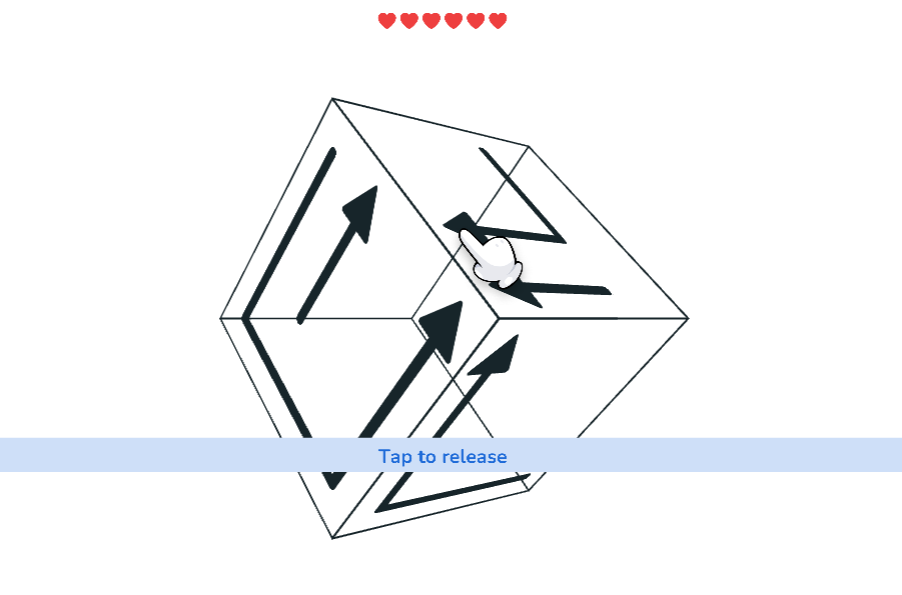
- Arrow Cube 3D — It keeps the focus on reading directional arrows and finding a valid route, but turns the challenge into clearing accessible arrows from a rotating cube.
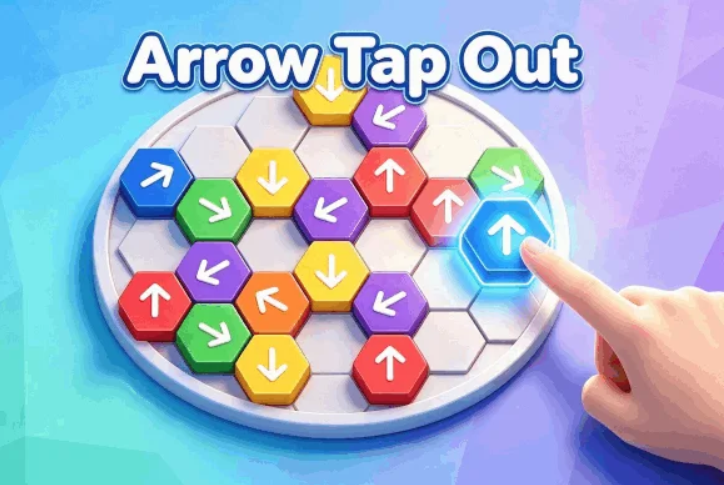
- Hexa Arrows — Its arrow-based grid puzzles offer a quicker, more self-contained follow-up for players who enjoy planning directions and avoiding blocked paths.
Why Play Logic Arrows on Arrow Games?
Logic Arrows is suited to players who enjoy hands-on Logic problems and visible cause-and-effect. Every Arrow is a small decision: where to place it, which way to point it, and whether it improves the route taken by the signal. The feedback loop remains clear throughout the game—build a mechanism, run the signal, observe the result, and revise the design.
The game runs in a browser with no download required. You can begin by selecting a numbered slot, clicking a grid cell to place an Arrow, rotating it with W, A, S, or D, and then letting the signal run. From there, the simple Arrow rules can support designs from a single logic gate to more complex displays, memory blocks, calculators, and computers.
Share your tips for Logic Arrows
Share a useful route, a clever sequence, or a correction that can help the next player.
Comments are not collected on this independent fan site.
To report a broken game frame or suggest a guide correction, email [email protected] with the page URL.